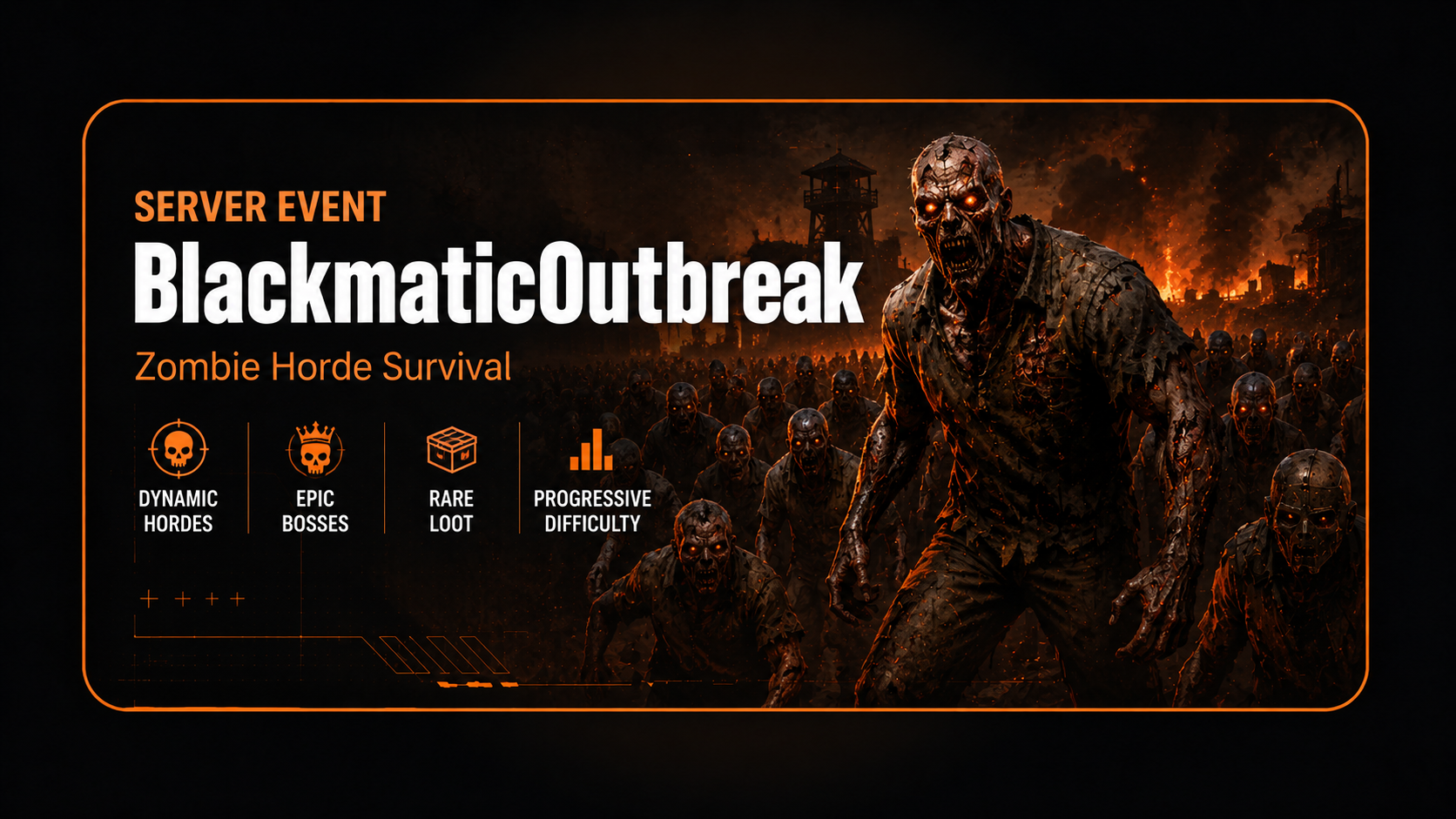
BlackmaticOutbreak
BlackmaticOutbreak is a dynamic zombie horde event plugin with roaming infected squads, hive-mind aggro and powerful boss zombie encounters.
Registered users can report plugin problems directly from this page.
Description
Hordes can spawn automatically during the night or run permanently, depending on your configuration. Zombies patrol the area, chase nearby players and react as a group through the hive-mind aggro system. Stronger boss zombies can appear with increased health, damage and detection range, creating more dangerous horde encounters for your players.
The plugin is fully configurable and gives admins control over horde size, global limits, spawn distance, night schedule, loot behavior, corpse cleanup, boss spawn chance and manual event control through chat commands.
Features
- Dynamic zombie horde system
- Night-based or 24/7 outbreak mode
- Configurable zombies per horde
- Configurable global zombie limit
- Configurable hordes per player
- Patrol and chase behavior
- Hive-mind aggro system
- Squad-style horde movement
- Boss zombie encounters
- Configurable boss health
- Configurable boss damage multiplier
- Configurable boss detection range
- Configurable boss spawn chance
- Manual admin start and stop controls
- Manual test horde spawning
- Manual boss horde spawning
- Optional loot dropping
- Optional corpse cleanup
- Configurable spawn distance
- Water and ground spawn checks
- Glowing eyes visual option
- Multilingual messages
Commands
/outbreak help - Shows all available commands./outbreak status - Shows current mode, hordes, zombies, bosses and corpses./outbreak version - Shows the installed plugin version./outbreak start - Force-starts the outbreak system./outbreak stop - Stops the outbreak system and removes active hordes./outbreak auto - Returns the plugin to automatic mode./outbreak spawn [amount] - Spawns a normal test horde near you./outbreak spawnboss [amount] - Spawns a boss horde encounter near you./outbreak boss [amount] - Short command for spawning a boss horde encounter./outbreak cleanup - Removes all active hordes and tracked corpses./outbreak kill - Short command for cleanup./outbreak reload - Reloads the plugin configuration./blackoutbreak - Alternative command alias.
Permissions
blackmaticoutbreak.admin - Allows access to all BlackmaticOutbreak admin commands.
Installation
1. Upload BlackmaticOutbreak.cs to oxide/plugins/.
2. Wait until the plugin loads and creates the config file.
3. Open oxide/config/BlackmaticOutbreak.json.
4. Adjust horde, spawn, combat and boss settings to your server style.
5. Reload the plugin with oxide.reload BlackmaticOutbreak.
6. Give admins the permission blackmaticoutbreak.admin if they should use the in-game commands.
Troubleshooting
If no hordes spawn, check if the plugin is enabled, if the night schedule is active and if players are outside safe zones.
If boss zombies do not appear, check that boss zombies are enabled and that the boss spawn chance is higher than 0.
If /outbreak spawnboss does not spawn a boss, check the global zombie limit and make sure there is enough free space for another NPC.
If zombies spawn too close or too far away, adjust the spawn min and max distance in the config.
If too many zombies are active, lower Max Global Zombies, Zombies Per Horde or Hordes Per Player.
If commands do not work, make sure the player has the permission blackmaticoutbreak.admin or is a server admin.
If old config entries are still visible, delete the old BlackmaticOutbreak.json config and reload the plugin to generate a fresh config.
Compatibility
Requires Oxide/uMod for Rust.
No external plugin dependency required.
Uses Rust NPC/scarecrow prefabs and NavMesh movement.
Works best on servers with valid terrain and navigation areas.
Safe zone players can be ignored through config.
Compatible with most PvE, PvP and event-based Rust servers.
Config preview
{
  "1. General Settings": {
    "Enable Plugin": true,
    "Use Night Schedule": true,
    "Hordes Always Active 24/7": false,
    "Night Start Hour": 19.0,
    "Night End Hour": 7.0,
    "Ignore Players In Safe Zones": true,
    "Kill Active Hordes When System Is Off": true,
    "Clear Zombie Corpses": true,
    "Chat Prefix": "<color=#ff8a3d>[BlackmaticOutbreak]</color>",
    "Enable Global Status Message": false,
    "Global Status Message Interval Minutes": 10.0
  },
  "2. Horde Settings": {
    "Zombies Per Horde": 5,
    "Max Global Zombies": 40,
    "Hordes Per Player": 1,
    "Refill Hordes": true,
    "Drop Loot": false,
    "Main Think Interval Seconds": 20.0
  },
  "3. Combat Settings": {
    "Detection Range": 35.0,
    "Target Lost Range": 85.0,
    "Hive Mind Aggro": true,
    "Zombie Health": 150.0,
    "Zombie Damage Multiplier": 1.0
  },
  "4. Spawn Settings": {
    "Spawn Min Distance": 25.0,
    "Spawn Max Distance": 45.0,
    "Spawn Attempts": 16,
    "NavMesh Search Radius": 12.0,
    "Prevent Water Spawns": true,
    "Check Ground Before Spawn": true
  },
  "7. Boss Settings": {
    "Enable Boss Zombies": true,
    "Boss Spawn Chance Percent": 30,
    "Spawn Boss As Extra Member": true,
    "Max Global Bosses": 6,
    "Boss Health": 750.0,
    "Boss Damage Multiplier": 2.0,
    "Boss Detection Bonus": 15.0,
    "Boss Target Lost Bonus": 25.0
  },
  "8. Visual Settings": {
    "Zombie Display Name": "Outbreak Infected",
    "Boss Display Name": "Outbreak Boss",
    "Enable Glowing Eyes": true,
    "Spawn Effect Prefab": "assets/bundled/prefabs/fx/gestures/drink_vomit.prefab",
    "Boss Spawn Effect Prefab": "",
    "Death Sound Prefab": "assets/bundled/prefabs/fx/player/gutshot_scream.prefab",
    "Boss Death Effect Prefab": ""
  }
}Was this plugin useful?
Helpful: 0 | Needs work: 0
Changelog
v1.0.1
2026-09-08 19:11:00
Fixed compatibility with the September 2026 Rust update.
Updated deprecated BaseEntity.SetFlag usage to the new Facepunch flag system.