Image gallery


Death messages
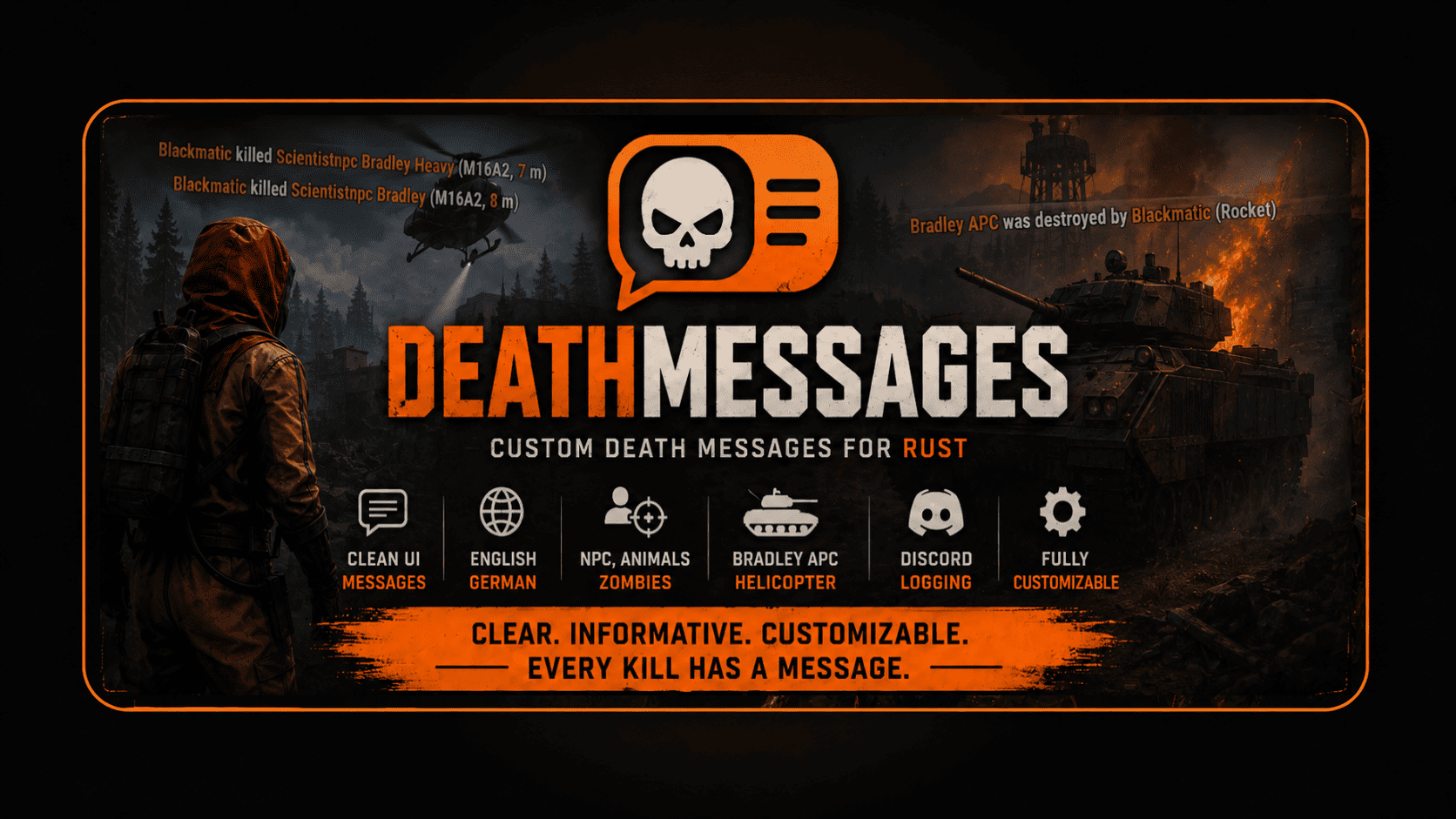
Custom Rust death messages, EN/DE support, NPC, zombie, animal, Bradley APC, Patrol Helicopter and optional Discord logging.
Registered users can report plugin problems directly from this page.
Description
It displays styled kill messages on the screen, supports headshots, body parts, weapon names, distances, sleeper deaths, localized texts and optional Discord webhook logging. Server owners can fully customize message texts, display settings and many behavior options directly through the config.
Please note: DeathMessages was not developed entirely by me alone. The plugin is offered here with permission under my name and may be maintained, updated and supported through this page.
Features
- Clean on-screen death message UI
- English and German language support
- Player, NPC and animal death messages
- Zombie death message support
- Bradley APC death messages
- Patrol Helicopter death messages
- Headshot detection
- Body part display
- Weapon display
- Distance display
- Optional sleeper death messages
- Optional animal death messages
- Custom attacker, victim, weapon and distance colors
- Adjustable UI font size
- Adjustable display duration
- Broadcast radius support
- Optional PvP log file writing
- Optional Discord webhook support
- Optional Discord PvP-only logging
- Configurable default language
- Custom English message overrides
- Custom German message overrides
- Per-player language switching
- Custom display names for Helicopter, Bradley, NPCs and Zombies
Commands
/deathlang en - Changes your DeathMessages language to English./deathlang de - Changes your DeathMessages language to German.
Permissions
The plugin mainly works automatically and does not require player permissions for normal usage.
Installation
1. Upload DeathMessages.cs to your server plugins folder.
2. Reload the plugin or restart the server.
3. Open the generated config file.
4. Adjust colors, language, UI settings and message options to your liking.
5. If wanted, configure Discord webhook logging in the config.
6. Players can use /deathlang en or /deathlang de to switch their personal message language.
Troubleshooting
If no messages are shown, make sure the plugin loaded successfully without compile errors.
If the UI does not appear, check if another plugin is blocking or destroying custom CUI elements.
If Discord logging does not work, make sure the webhook is enabled and the webhook URL is valid.
If messages appear in the wrong language, check the default language in the config or use /deathlang en or /deathlang de.
If sleeper or animal deaths are missing, make sure those options are enabled in the config.
If old texts are still shown, reload the plugin after editing the config.
If custom translations do not seem to work, verify the message keys in the English or German override sections.
Compatibility
Made for Rust servers
Uses CUI for on-screen message display
Supports English and German
No external dependency required
Optional Discord webhook support included
Works with players, NPCs, zombies, animals, Bradley APC and Patrol Helicopter events
Config preview
{
  "Config version": 1,
  "Display duration in seconds": 7,
  "Font size": 15,
  "Show animal deaths": true,
  "Show sleeper deaths": true,
  "Write PVP log file": true,
  "Attacker color": "#ff9c00",
  "Victim color": "#ff9c00",
  "Weapon color": "#ffffff",
  "Distance color": "#ff9c00",
  "Body part color": "#ffffff",
  "Broadcast radius (-1 = everyone)": -1,
  "Default language (en/de)": "en",
  "Helicopter display name": "Patrol Helicopter",
  "Bradley APC display name": "Bradley APC",
  "Default NPC name": "NPC",
  "Zombie display name": "Zombie",
  "Show weapon in messages": true,
  "Show distance in messages": true,
  "Show body part in messages": true,
  "Show headshot tag": true,
  "Headshot bone names": [
    "head",
    "jaw",
    "left eye",
    "right eye",
    "neck"
  ],
  "Discord webhook enabled": false,
  "Discord webhook url": "",
  "Discord only log player vs player": false,
  "Custom English message overrides": {},
  "Custom German message overrides": {}
}Was this plugin useful?
Helpful: 0 | Needs work: 0